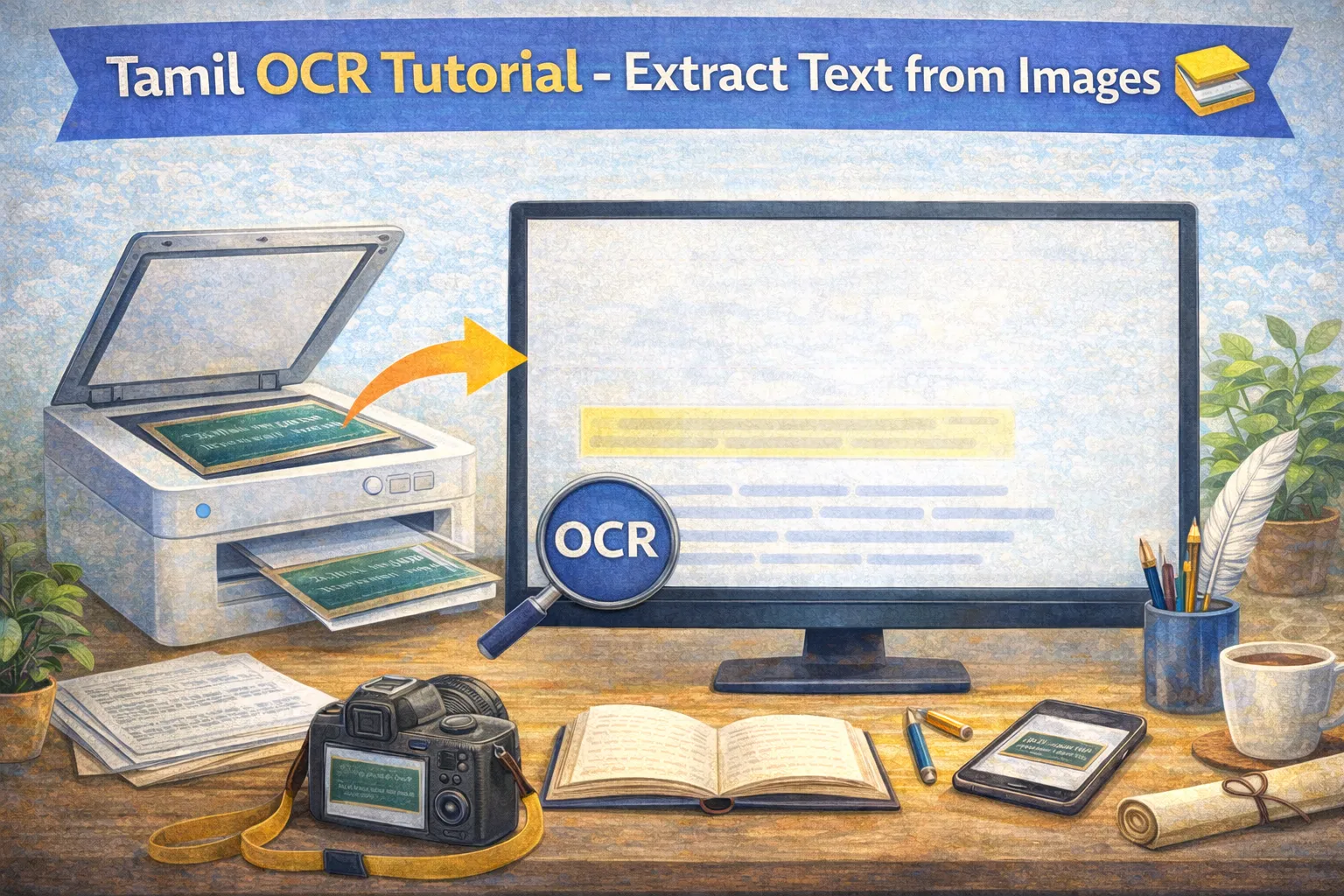
Our Tamil OCR (Optical Character Recognition) tool uses advanced AI to extract Tamil text from images with high accuracy. Here's how to use it effectively.
What is Tamil OCR?
OCR technology converts images containing text into editable, searchable text. Our Tamil OCR is specifically trained on:
- Tamil script in various fonts
- Handwritten Tamil text
- Scanned documents and books
- Screenshots and digital images
How to Use Tamil OCR
Step 1: Prepare Your Image
For best results, ensure:
- Image is clear and well-lit
- Text is readable (not blurry)
- Image is properly oriented (not rotated)
- Contrast is good (dark text on light background)
Step 2: Upload Image
Click the upload button or drag and drop your image. Supported formats:
- JPEG / JPG
- PNG
- WebP
- PDF (first page)
Step 3: Wait for Processing
Our AI will analyze the image and extract text. This usually takes 5-15 seconds depending on image size.
Step 4: Copy or Edit Text
Once extracted, you can:
- Copy text to clipboard
- Edit any errors manually
- Send to grammar checker for proofreading
Tips for Best Results
- Higher resolution = better accuracy: Use at least 300 DPI for scanned documents
- Clean images: Remove stains, marks, or shadows if possible
- Single language: Pages with only Tamil text work best
- Printed text: Typed/printed text gives higher accuracy than handwritten
Common Use Cases
- Digitizing old documents: Convert paper documents to digital format
- Extracting text from books: Quickly copy passages for study
- Processing forms: Extract data from Tamil forms and certificates
- Translating images: Extract text before translation
Try Tamil OCR
Start extracting Tamil text from your images with our free Tamil OCR tool!
The Tamil Grammar Team at tamilgrammarchecker.com is made up of Tamil language scholars, linguists, and software engineers dedicated to making Tamil writing better for everyone.