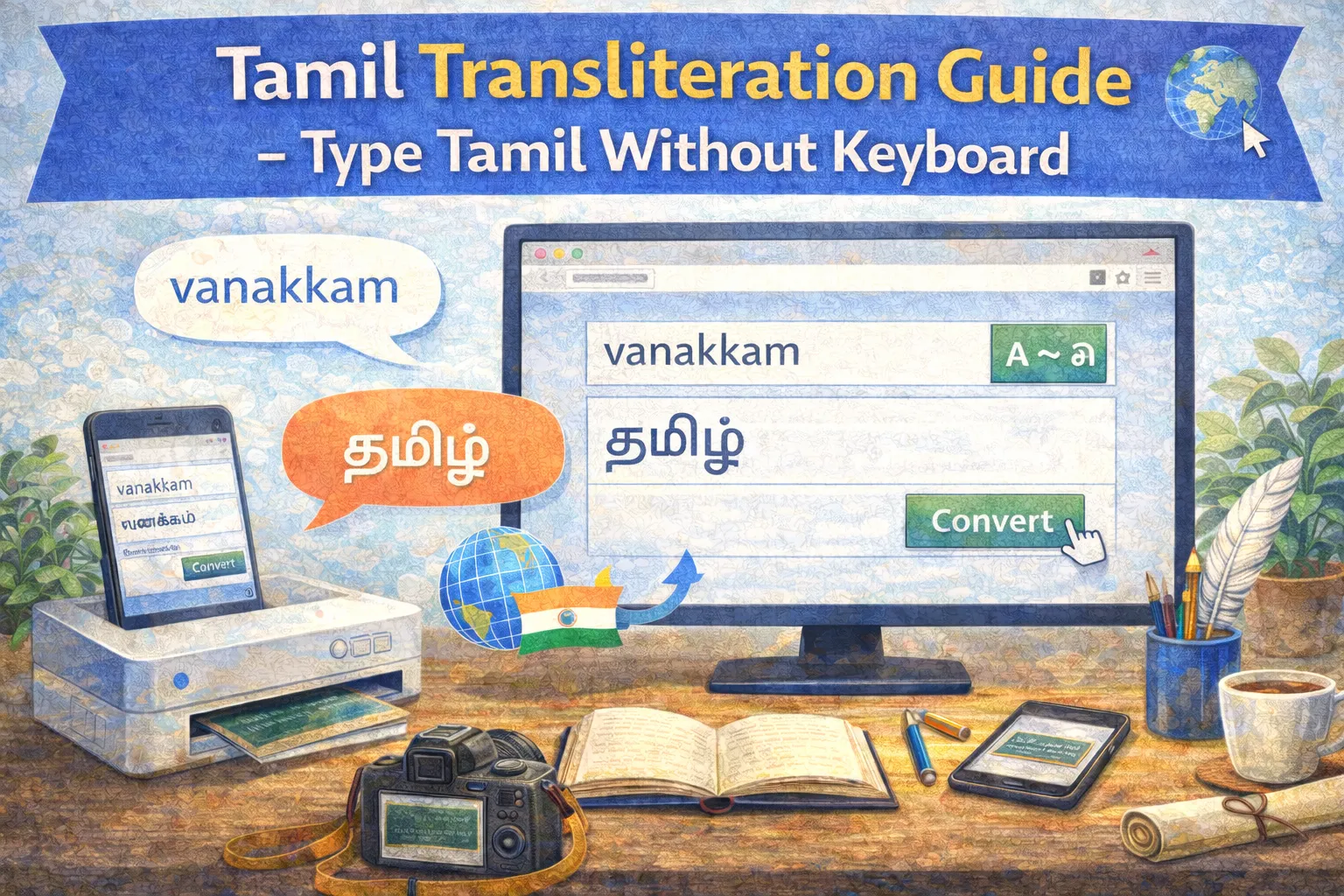
Transliteration is the easiest way to type Tamil if you don't have a Tamil keyboard. Type phonetically in English and watch it transform into beautiful Tamil script!
What is Transliteration?
Transliteration converts text from one script to another based on sound (phonetics), not meaning. For example:
- "vanakkam" → வணக்கம்
- "nandri" → நன்றி
- "tamil" → தமிழ்
How to Use Our Transliteration Tool
Step 1: Start Typing
Simply type the Tamil word using English letters. Type how the word sounds.
Step 2: View Suggestions
As you type, you'll see suggestions appear. These show different possible Tamil words.
Step 3: Select or Accept
Press Space or Enter to accept the first suggestion, or click a different option.
Common Transliteration Patterns
| English | Tamil | Example |
|---|---|---|
| a | அ | amma = அம்மா |
| aa / ā | ஆ | aadu = ஆடு |
| ka | க | kadal = கடல் |
| nga | ங | mangai = மங்கை |
| cha | ச | chakkaram = சக்கரம் |
| tha | த | thamizh = தமிழ் |
| zha | ழ | azhagu = அழகு |
| ra | ற | marai = மறை |
Tips for Accurate Transliteration
- Double consonants: Use "kk" for க்க, "tt" for ட்ட
- Long vowels: Double the vowel (aa, ee, oo) for long sounds
- Special characters: Learn "zha" for ழ, "ra" for ற
- Practice common words: Start with greetings and everyday words
When to Use Transliteration
- Typing on any device without Tamil keyboard
- Quick Tamil messaging
- Writing Tamil in social media
- Creating Tamil content on the go
Start Typing Tamil Now
Try our Tamil Transliteration Tool - it's free and works instantly!
The Tamil Grammar Team at tamilgrammarchecker.com is made up of Tamil language scholars, linguists, and software engineers dedicated to making Tamil writing better for everyone.